Training for service technicians and after-sales teams — fixed right the first time
Turn the repair manuals, service guides and demo videos you already have into lessons and quizzes automatically with AI. Technicians and call-center staff learn on their phones, revisit procedures any time, and ask the AI when a fault is unfamiliar.
The problems most service teams face
01New models arrive faster than technicians can learn them
Jobs aren't fixed on the first visit, so repeat visits cost travel time and customer goodwill.
02Know-how sits with a few senior technicians
Newcomers wait for answers, and everyone repairs a little differently.
03Technicians are out in the field, across many areas
Every classroom session pulls them away from service work.
04Call-center answers vary
Without basic troubleshooting guidance, a technician is sent out for every case.
How LobbiDay helps
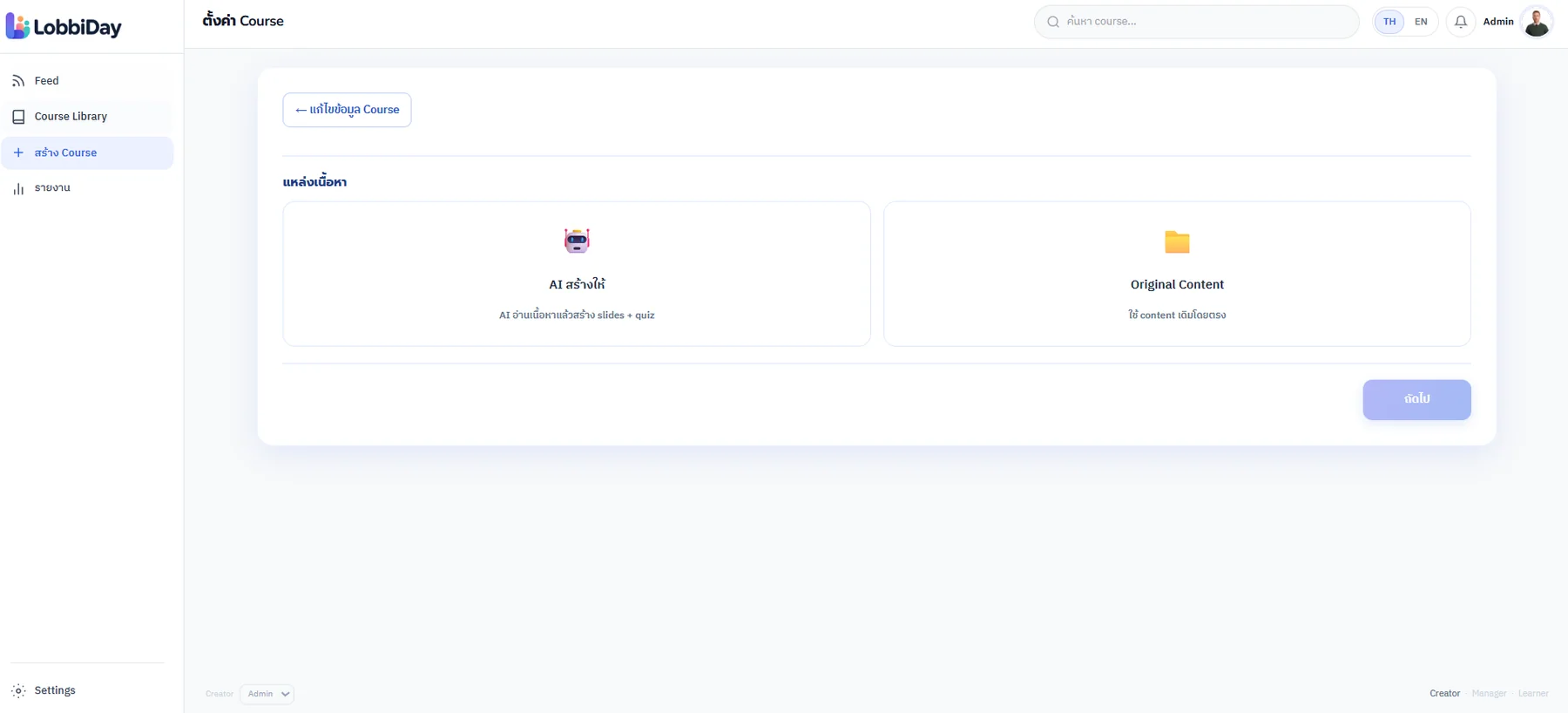
01AI builds lessons from repair manuals and demo videos
Upload repair manuals, service guides or repair demo videos; AI creates narrated lessons and quizzes with answer keys. Your team reviews and publishes.
02Revisit lessons any time — even after completing
Before a job they don't do often, technicians open the lesson on their phone to review the steps.
03Ask the AI on site
When a fault is unfamiliar, technicians can ask the AI, which answers from your course content and uploaded manuals.
04Assign by team, with pass marks
Give field technicians, service centers and the call center their own courses, set a minimum score and allow retakes before anyone takes on a new model.
05New model or revised manual? Assign it right away
Create a course from the new manual and assign it; learners see it as soon as it's assigned.
06Know who is ready for which model
Pre- and post-tests and reports by team show who has completed, who has passed and who is pending.
07See training next to service KPIs
In Training Projects, set a KPI such as the repeat-visit rate with a baseline and target, then record results after training to see whether it made a difference.
Get started in 3 steps
01Upload
Repair manuals, service guides or demo videos.
02Review and assign
The AI-generated lessons and quizzes to each team, with a pass mark.
03Track readiness
On the dashboard and in Training Projects.
Companies that service what they sell
- Industrial machinery & equipmentField technicians and service engineers
- Appliances & air conditioningService centers and installers
- Medical devices, IT and building systemsService teams and call centers
Service Team Training — Frequently Asked Questions
What repair materials can I use?
Documents such as repair manuals and service guides, plus repair demo videos. AI builds lessons and quizzes; your team can review and edit before publishing.
Can technicians reopen lessons while on site?
Yes. They can open lessons on mobile any time, even after completing the course.
Can technicians ask the AI?
Yes. The AI answers from your course content and uploaded manuals, so everyone follows the same method.
Does it work for the call center too?
Yes. Assign courses by team — for example basic troubleshooting guidance for the call center and repair procedures for technicians.
How does the team learn about a new model?
Create a course from the new model's manual and assign it; learners see it as soon as it's assigned.
Where is the data stored?
In Thailand, with the system designed to comply with Thailand's Personal Data Protection Act (PDPA).
How is it priced?
Subscription based on the number of users. Contact Harpersof for a quote.
See what your repair manuals look like as lessons
Book a 30-minute demo — from uploading a manual and assigning it to a team, to readiness reports.